Import Excel Workout Plans to Repport | From Spreadsheet to App
Stop training from a messy spreadsheet. Import your Excel or Google Sheets workout plan into Repport and log your sets with a mobile-first interface.
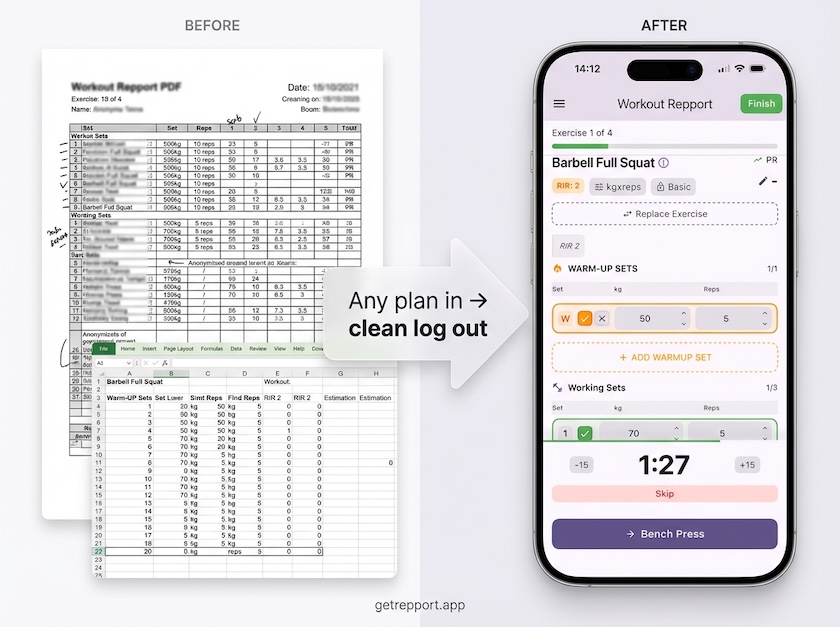
Excel is for Planning. Repport is for Training.
Spreadsheets are powerful for programming, but they are frustrating to use mid-workout. Repport bridges the gap by turning your rows and columns into a high-performance training app.
- ✓ Mobile-First UI: Large tap targets for sweaty hands
- ✓ Instant Logging: Record sets, reps, and RPE in seconds
- ✓ Exercise History: Access your previous lifts with one tap
- ✓ Auto-Sync: No more manual data cleanup after the gym
The Repport Workflow: How it works
- ✓ Upload your .XLSX or .CSV file directly
- ✓ Smart Mapping: Repport identifies weeks, days, and exercises
- ✓ Log your session with advanced features (timers, history)
- ✓ Sync back: Export clean data for your coach or analysis
Optimization Tips for a Perfect Import
- ✓ Use consistent columns (Exercise, Sets, Reps, Weight/RPE)
- ✓ Keep it simple: Avoid complex merged cells
- ✓ Label your days clearly (e.g., Day 1: Upper Body)
Frequently Asked Questions
Can I import plans from Google Sheets? →
Absolutely. Just export your Google Sheet as an .XLSX file and upload it to Repport. All your programming will be ready to log.
Does it work with professional coaching templates? →
Yes. Repport acts as a universal importer. Once you map a template once, importing future blocks from the same coach is even faster.
Related guides
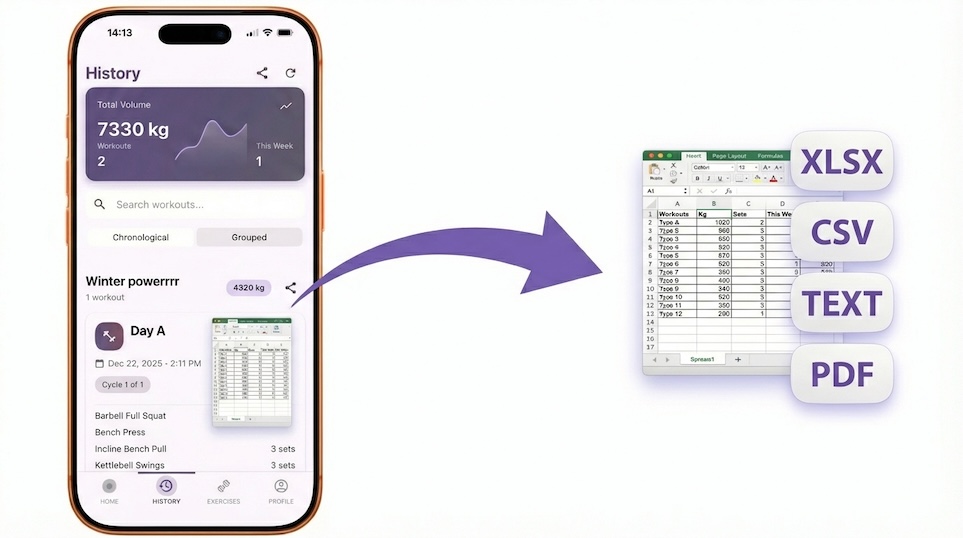
Export Workout Logs to CSV & XLSX | Own Your Training Data
Never lose your progress. Export your Repport workout history to clean CSV or Excel files for deep analysis, coaching reviews, or personal archives.
Read more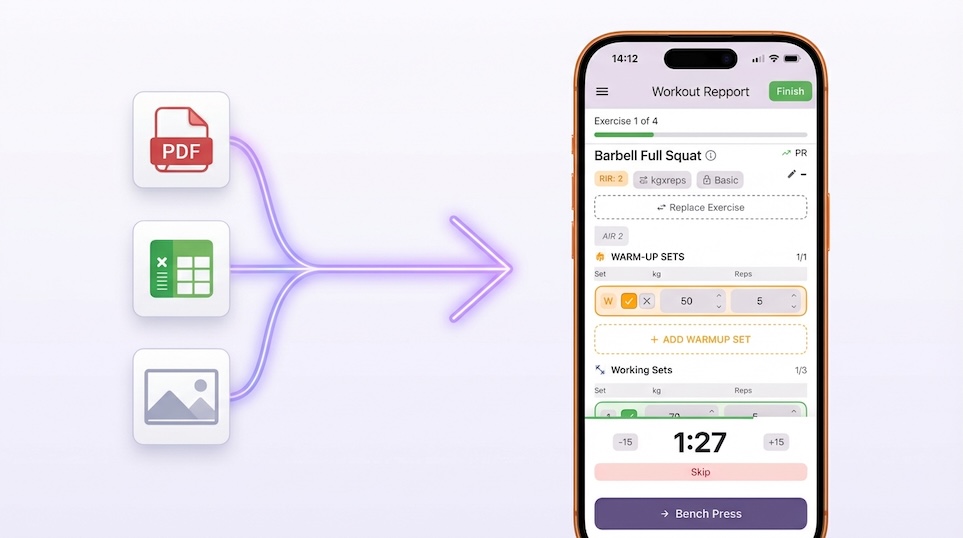
AI Workout Plan Parser | PDF, Excel & Photo to App
Instantly convert PDF plans, spreadsheets, or even screenshots into an interactive workout routine. Stop typing and start lifting.
Read moreTry Repport with your plan.
Upload your plan and get a tappable workout in minutes. Join the future of coaching execution.