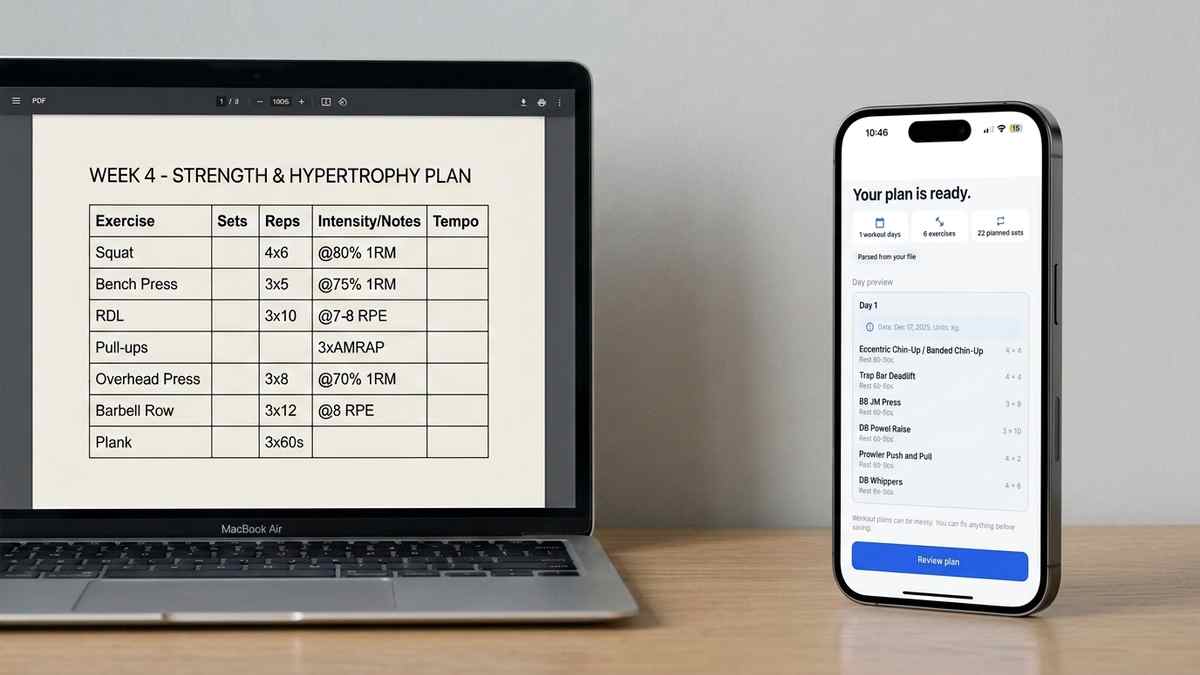
Coach PDF Workout Plan App: How to Track It Without Retyping
Got a coach PDF workout plan? See what an app needs to handle it well, and how Repport turns the file into a loggable session in seconds.
Read moreNever lose your progress. Export your Repport workout history to clean CSV or Excel files for deep analysis, coaching reviews, or personal archives.
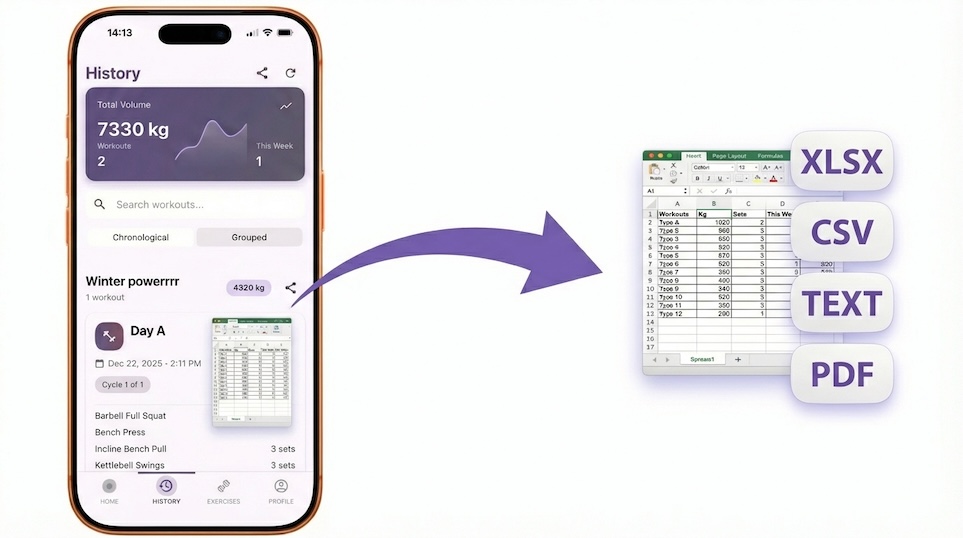
Training data is only useful if you can get to it. Logging sessions in an app that locks your history behind a subscription, a proprietary format, or a broken export flow means months of work are effectively inaccessible the moment you switch tools.
Repport exports to CSV and XLSX on demand, with no restrictions on date range or volume. The export structure is consistent: each row is a set, with columns for date, exercise name, set number, reps performed, load, and any notes logged during the session. That structure is intentional, it works out of the box in Excel, Google Sheets, Tableau, or any analysis tool you prefer.
For coaches, the XLSX format makes weekly check-ins straightforward. For athletes who want to build their own dashboards, the CSV output is predictable enough to script against. The goal is that your data leaves the app in a format that does not require cleanup before it can be used.
Volume tracking, PR charts, and block-by-block comparisons all become possible once the data is outside the app. Repport is designed with the assumption that you will eventually want to analyse your history somewhere else, so the export is a core feature, not an afterthought.
Every set you log in Repport is stored with a consistent set of fields. The CSV export reflects this structure directly: one row per set, with columns for the session date, exercise name, set number, reps completed, load, and any notes entered during the session. Additional columns include the source session name from the imported plan and the training block label if one was assigned at import.
This structure is intentional. Most analysis tools, Excel, Google Sheets, Tableau, Python, work best with denormalised data where each observation is a single row. Having one row per set rather than one row per exercise or one row per session means you can filter and aggregate without pre-processing. A pivot table built on this structure gives you volume by week, PR history by movement, and session density over time without any formula work to untangle nested data.
Download the CSV or XLSX file from Repport to your phone’s Files app. If you use iCloud Drive, the file is accessible from any device automatically. From Google Sheets, go to File → Import, choose the file, and select “Comma separated values” for CSV or leave the defaults for XLSX. The import takes a few seconds and produces a clean sheet with the column headers intact.
For ongoing use, you can maintain a running sheet by appending new exports below the existing data. Because each row includes the session date, sorting by date after appending keeps the data in chronological order. Duplicate sets, if you export the same date range twice and combine the files, can be removed with a filter on the date and session name columns.
The XLSX export is built for this workflow. The column structure is readable without any formatting changes: exercise names in plain text, numbers as numbers, dates in ISO format. A coach reviewing the file can see your session volume, how your logged weights compared to prescription, and what notes you added during training, without needing to know how Repport works.
A practical weekly workflow: export the past seven days at the end of each week, send the file to your coach, and archive the file locally. Because the date column is consistent across all exports, the coach can compare files from different weeks without any adjustment. The XLSX file opens cleanly in Apple Numbers if the coach prefers to review it on iOS.
With your export in a spreadsheet, a few calculations become straightforward. Total volume per session, the sum of sets × reps × load for each date, is one column of multiplication and one pivot table. Progressive overload tracking for a specific exercise requires only filtering by exercise name, sorting by date, and charting the load column. The result is a trend line that shows whether training weight is moving in the right direction over the block.
These calculations work in any spreadsheet tool. The data does not require a specific format or sports-science software. If you later move to a dedicated dashboard or a custom database, the CSV structure is simple enough to import directly without a transformation step.
Use CSV when you plan to process the data programmatically or import it into another tool. The format is plain text and works everywhere without compatibility concerns. It handles large datasets more reliably than XLSX for row-level analysis.
Use XLSX when you are sharing with a coach or when you want the export to open cleanly in Excel or Numbers with column types intact. The XLSX file includes type information that tells the spreadsheet application to treat dates as dates and numbers as numbers, which avoids the common issue of date columns being interpreted as text strings.
Because the export contains your complete session history in a standard format, your training data remains usable after you stop using the app. The CSV and XLSX files open in any spreadsheet application and remain readable indefinitely. They are not Repport-specific in any way.
Exports are available at any point, for any date range, with no restrictions. The export-first design means your training history belongs to you regardless of what happens to the app or your account. This is not a feature that can be revoked by a subscription change or a business decision, the data lives in a file on your device, and standard file formats do not expire.
Logging is only useful if you can analyze your progress. Repport ensures your training data isn't trapped in an app. Export everything in high-quality formats.
Yes. You can export by training block, specific program, or custom date ranges to keep your files organized.
We use standardized CSV structures, making it easy to import your Repport data into most analysis tools or other spreadsheets.
Keep reading
Got a coach PDF workout plan? See what an app needs to handle it well, and how Repport turns the file into a loggable session in seconds.
Read more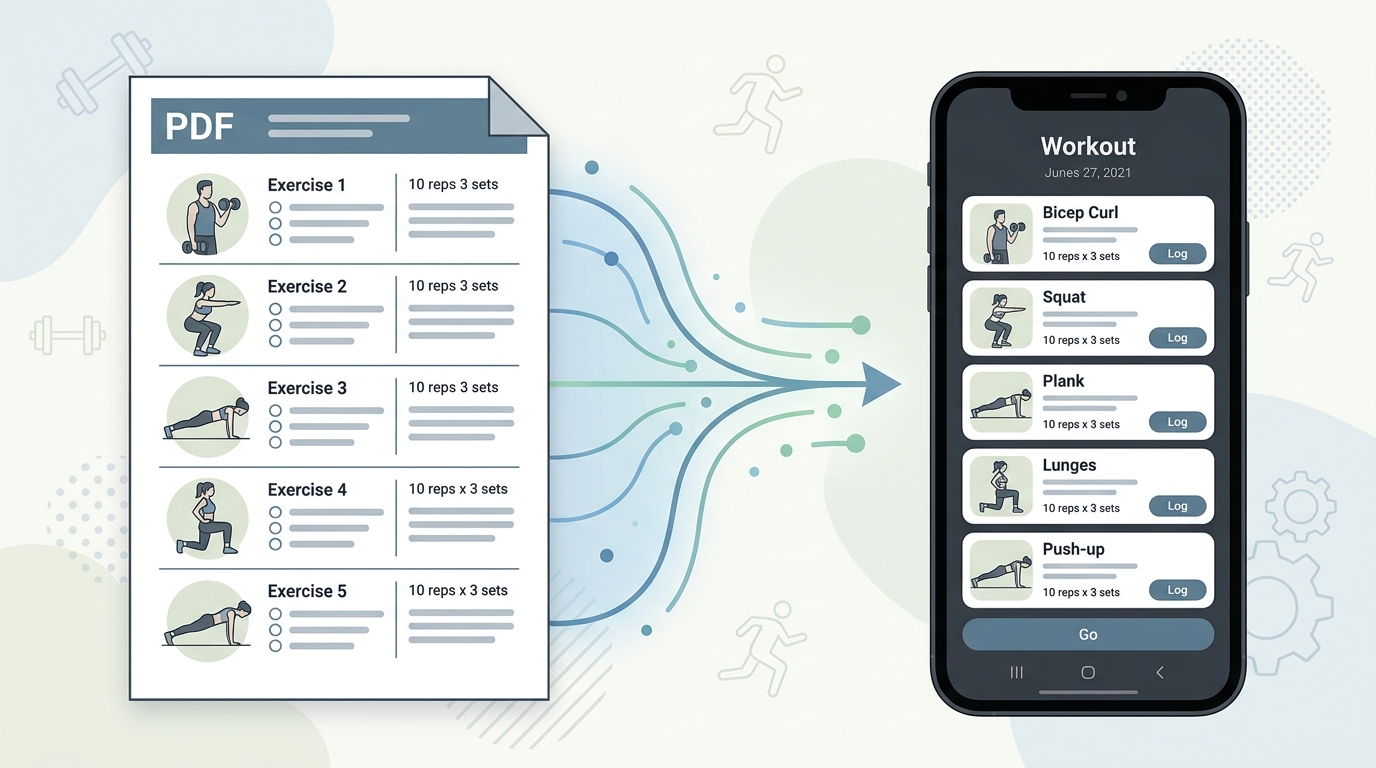
Your coach's PDF is not a training tool. Learn how to convert any workout plan PDF into a structured digital format you can log, track, and follow mid-session.
Read more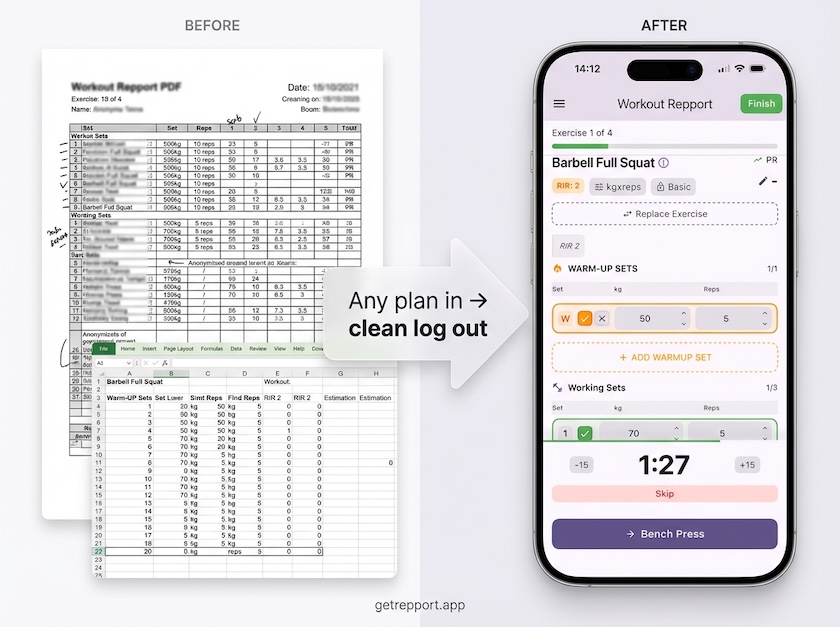
Stop training from a messy spreadsheet. Import your Excel or Google Sheets workout plan into Repport and log your sets with a mobile-first interface.
Read moreUpload your plan and get a tappable workout in minutes. Join the future of coaching execution.