
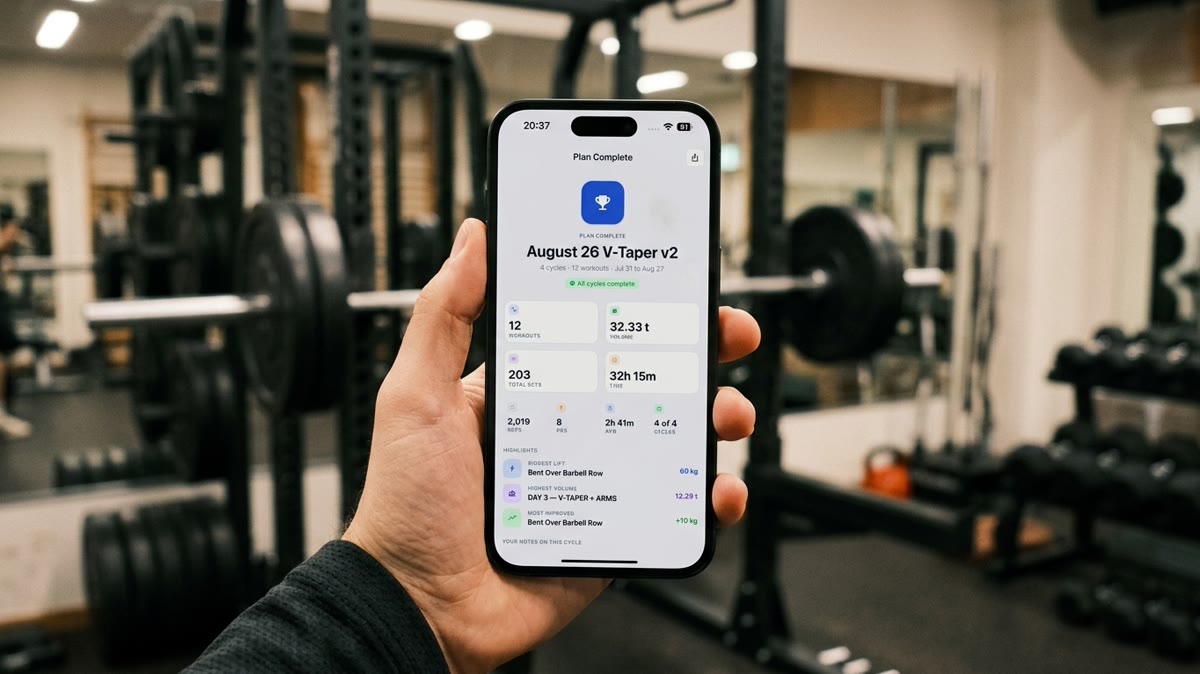
Exporting My Workout Progress to PDF for My Coach and ChatGPT
The real file Repport exports from a finished plan. PDF to send a coach, CSV or plain text to hand your full log to ChatGPT or Claude for analysis.
Read moreThe real Excel file Repport exports from a training block: a structured Exercise / Sets / Notes table per workout, ready to sort, chart, or hand to an LLM.
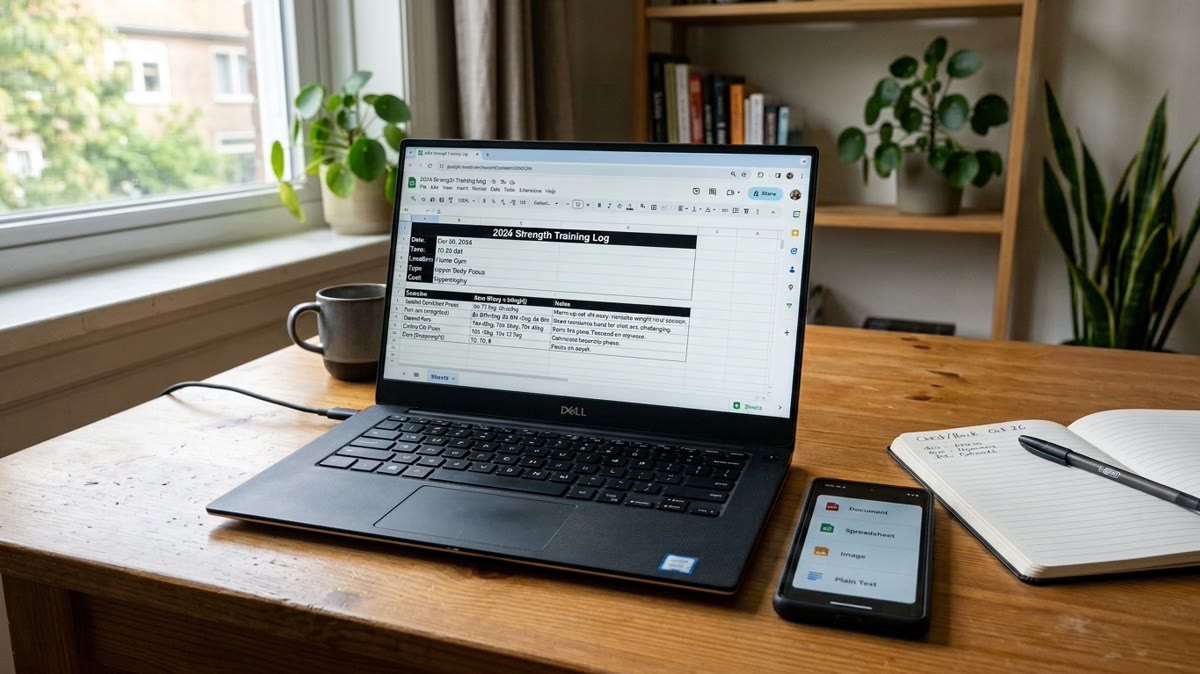
I want my training log as a spreadsheet I can actually work with
Download the source file — the exported Workout History spreadsheet (XLSX)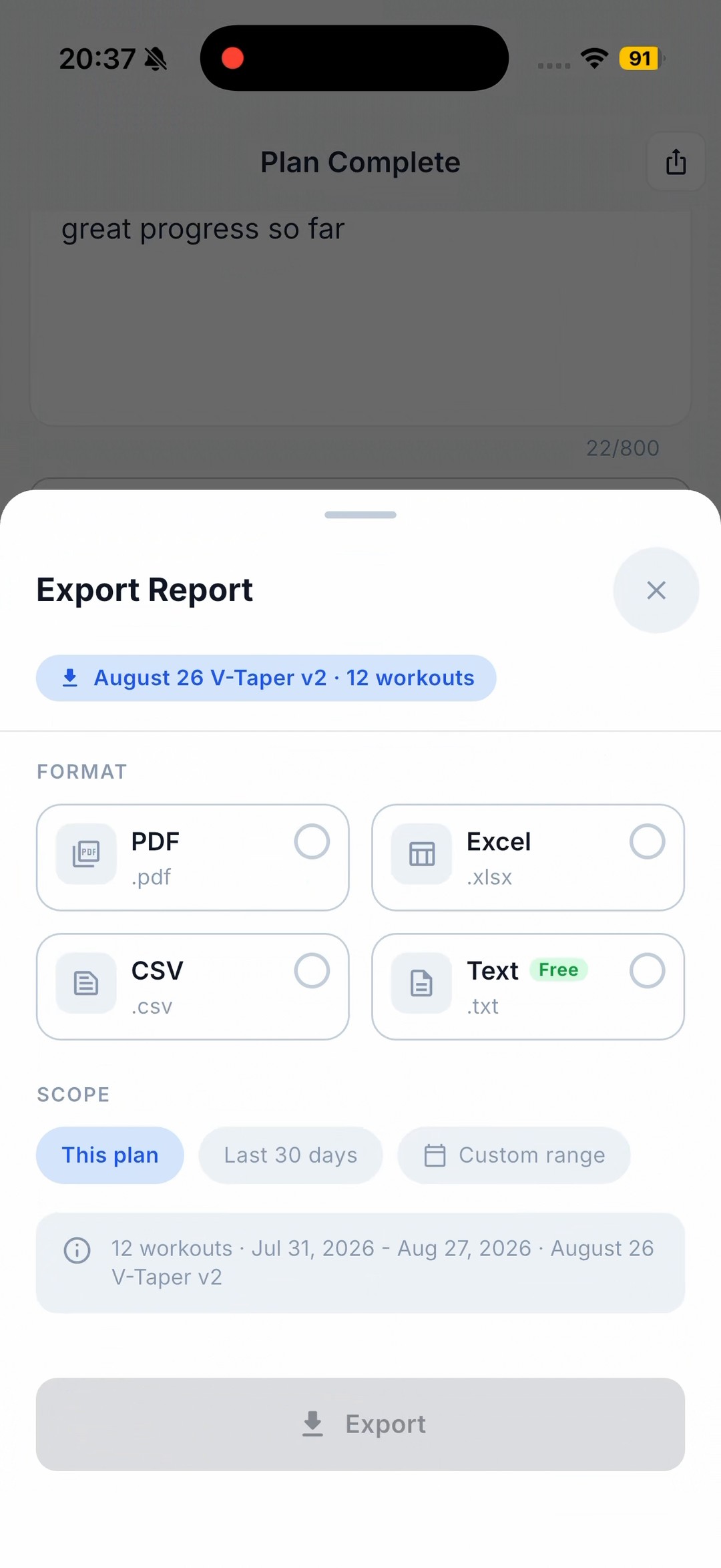
A PDF of your training is fine to read and useless to work with. If you want to chart volume across a block, sort by exercise, check where a lift actually moved, or hand a clean table to ChatGPT or Claude, you need the log as data, not a page.
Repport exports it to Excel (or CSV) from the same screen as the PDF. Below is the real Excel file from a finished 12-session block, downloadable in the metadata block above, with its structure shown inline.
The PDF keeps its layout, which is what makes it readable and also what makes it hard to compute on. You cannot sort a PDF by exercise or sum a column. Pasting it into a spreadsheet turns into a reformatting job, and a screenshot is worse.
So the moment the question becomes “how did this block actually go”, the format has to change. A spreadsheet you can filter to one lift, chart week over week, or drop into a language model with the columns intact.
One sheet, “Workout History”. It opens with a short block of label: value rows: export_type: chronological, athlete, date_range: Jul 31, 2026 - Aug 27, 2026, workouts: 12, units: kg, schema_version: 1.0, app: Repport, and your reflection_note. Then each workout is its own small table: a header row with the workout number, plan name, and date, then columns Exercise, Sets, Notes, one row per exercise.
Workout 1 in the file, verbatim:
| Exercise | Sets | Notes |
|---|---|---|
| Seated Dumbbell Press | 6x 17.5kg, 6x 20kg, 6x 17.5kg | |
| Lean-away DB lateral raise | 10x 6kg, 15x 6kg | |
| DB lateral raise (obustronnie) | 10x 6kg, 10x 6kg | |
| Low-incline DB press | 8x 20kg, 8x 20kg, 8x 20kg | |
| Chest-supported rear-delt row | 12x 10kg, 12x 15kg, 12x 10kg | |
| Overhead DB/cable triceps ext. | 10x 12kg, 10x 15kg, 10x 12kg | |
| Triceps Pushdown | 10x 20kg, 10x 20kg, 12x 20kg |
The Sets cell is a compact string, not one row per set. That keeps the sheet readable; for per-set math you split that column first. The schema_version and export_type fields are there so a script or a model knows what it is looking at.
Same honesty as the file itself. Workout 3 was opened and never logged, and it still appears, six exercises with empty Sets cells. A note typed mid-workout, “te 20 to ledwo”, sits in the Notes column. An exercise swap reads “Bent Over Barbell Row (replaced One-arm DB row (lat bias))”. Supersets are one row with a structured Sets string. Polish exercise names are kept as entered.
Unlike the PDF, the spreadsheet has no summary row: no total volume, no average duration. Those are computed on the Plan Complete screen and printed in the PDF. The Excel file is the raw log for you to total yourself.
Use Excel or CSV when you want to compute: sort by exercise, filter to one lift, chart weekly volume, or upload to ChatGPT or Claude and ask what to change next block. CSV is the plainest version of the same table.
Use PDF when a person needs to read it: a coach reviewing the block, a printout, a record you keep. It carries the summary numbers the spreadsheet leaves out. The PDF case study shows that side, and the CSV and XLSX export guide goes deeper on the columns.
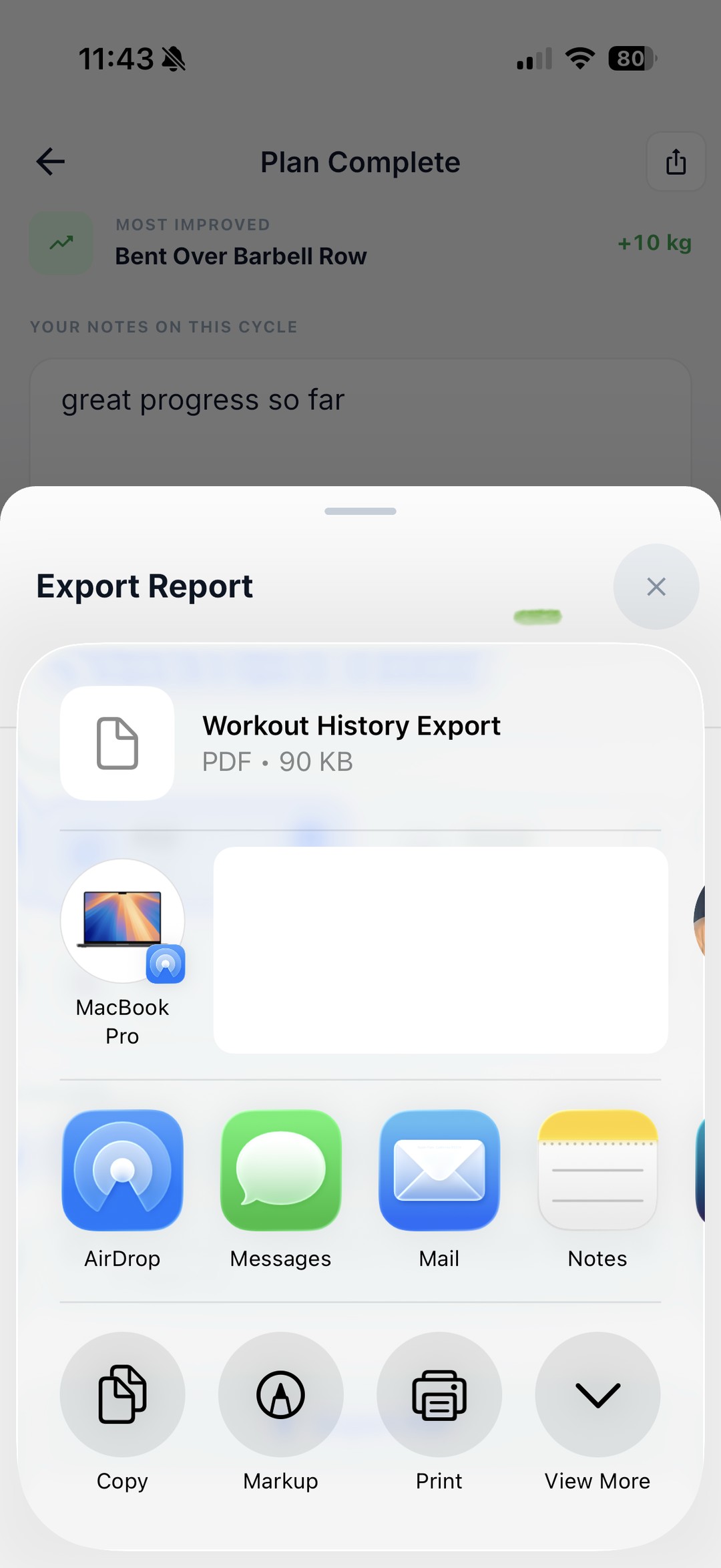
On the Plan Complete screen, under Export & share, tap Export report. Pick Excel (.xlsx), choose a scope (this plan, last 30 days, or a custom range), then tap Export. Repport builds the file and passes it to the iOS share sheet: AirDrop, Mail, Files, and the rest. Same flow as every other format; only the file changes.
No live sync to a spreadsheet, no coach dashboard, no charts built for you. Repport gives you a clean table and the share sheet. Sorting it, charting it, or pasting it into an LLM is your move.
On the Plan Complete screen, open Export report, pick Excel (.xlsx), choose a date scope, then tap Export. Repport builds the file and hands it to the iOS share sheet, so you can AirDrop it, email it, or save it to Files.
No. It is one row per exercise per workout, with the Sets column holding a compact string like “6x 17.5kg, 6x 20kg”. Split that column if you need per-set math. There is also a Notes column and a header block of metadata.
Yes. The .xlsx opens in Google Sheets, Numbers, or any spreadsheet app. CSV is available from the same sheet if you want the plainest version of the table.
Same logged data. The PDF is laid out to read and includes summary totals. The Excel file is a plain table to sort, filter, and chart, with a schema_version field so a script or a model can rely on its shape.
Yes. Upload the .xlsx or paste the rows into the chat. The Exercise / Sets / Notes columns plus the header block give the model clean context to reason about volume and progression.
On the Plan Complete screen, open Export report, pick Excel (.xlsx), choose a date scope, then tap Export. Repport builds the file and hands it to the iOS share sheet, so you can AirDrop it, email it, or save it to Files.
No. It is one row per exercise per workout, with the Sets column holding a compact string like "6x 17.5kg, 6x 20kg". Split that column if you need per-set math. There is also a Notes column and a header block of metadata.
Yes. The .xlsx opens in Google Sheets, Numbers, or any spreadsheet app. CSV is available from the same sheet if you want the plainest version of the table.
Same logged data. The PDF is laid out to read and includes summary totals. The Excel file is a plain table to sort, filter, and chart, with a schema_version field so a script or a model can rely on its shape.
Yes. Upload the .xlsx or paste the rows into the chat. The Exercise / Sets / Notes columns plus the header block give the model clean context to reason about volume and progression.
Keep reading
The real file Repport exports from a finished plan. PDF to send a coach, CSV or plain text to hand your full log to ChatGPT or Claude for analysis.
Read more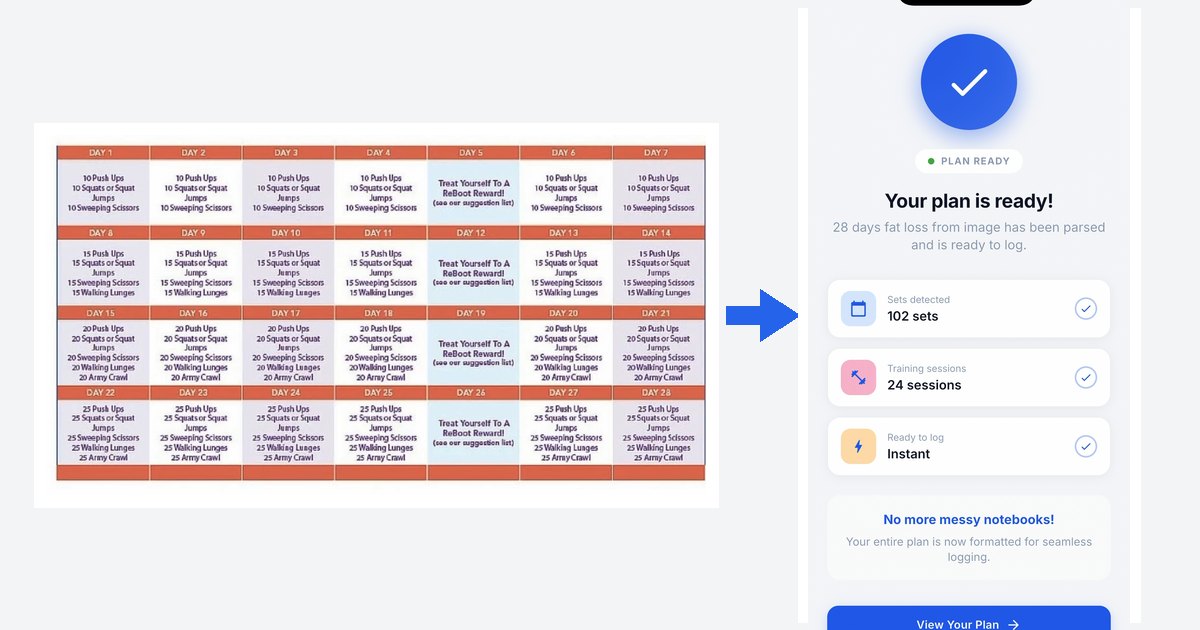
Workout plan from image app: a real 28-day challenge imported from one picture into Repport in about 35 seconds. Every parsed set, plus the full recording.
Read more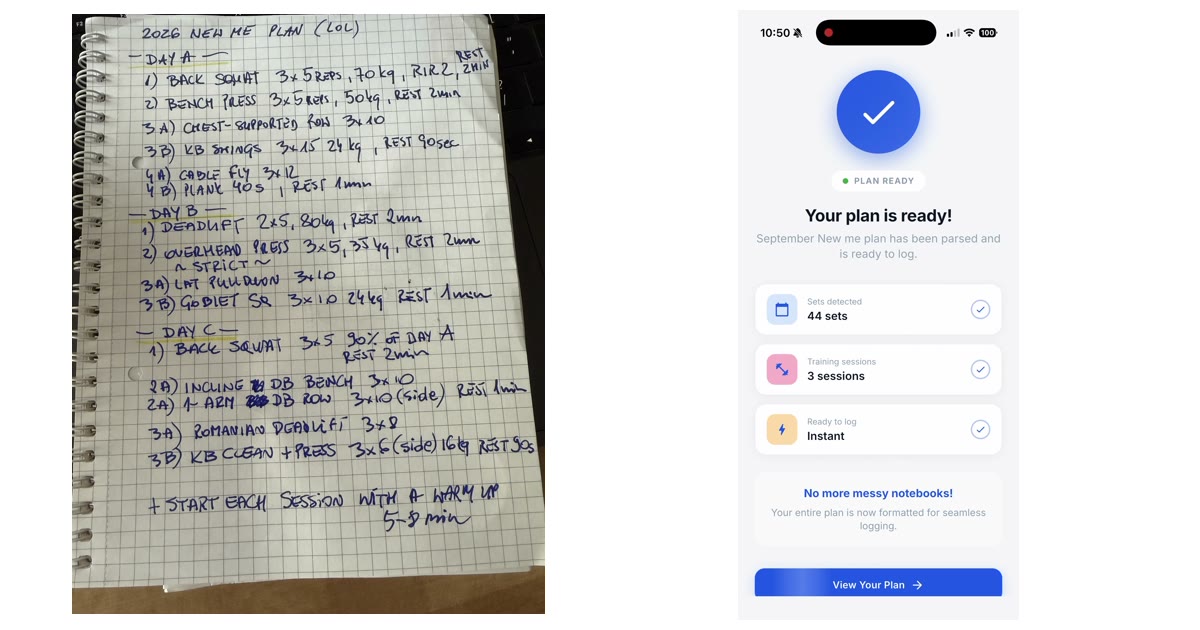
A handwritten 3-day plan, photographed once and imported into Repport in about 30 seconds: 3 sessions, 15 exercises, 44 sets. Every parsed line, plus the recording.
Read moreUpload your plan and get a tappable workout in minutes. Join the future of coaching execution.