
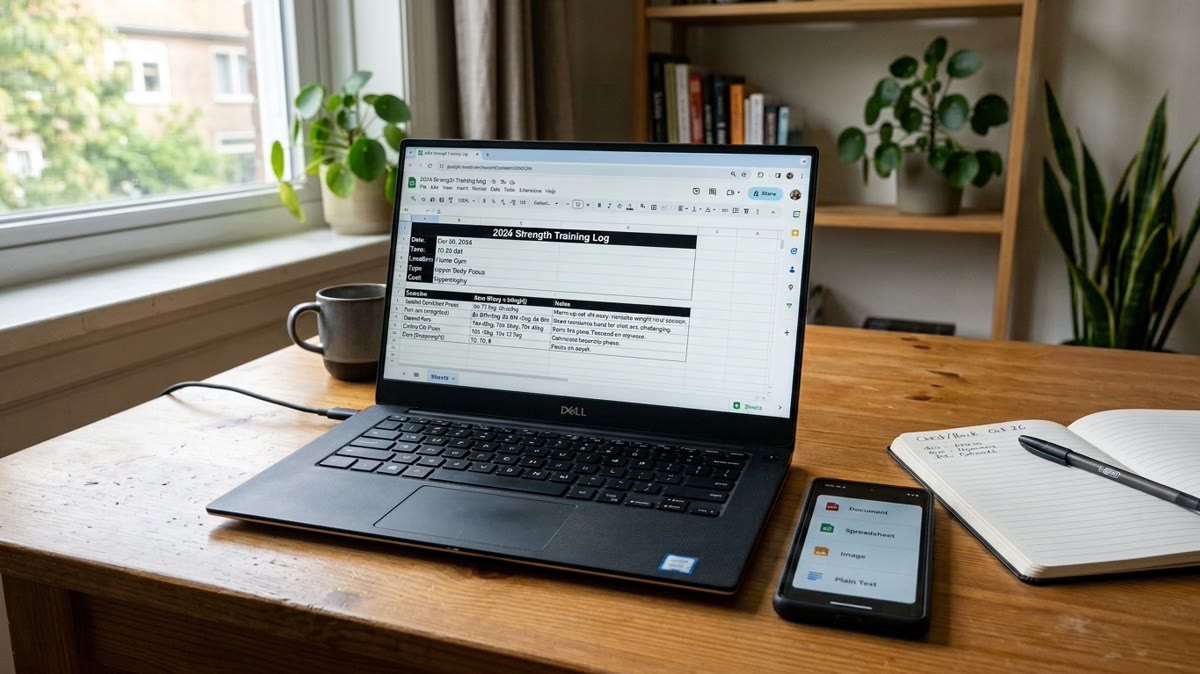
Exporting My Workout Log to Excel: The Real Spreadsheet
The real Excel file Repport exports from a training block: a structured Exercise / Sets / Notes table per workout, ready to sort, chart, or hand to an LLM.
Read moreWorkout plan from image app: a real 28-day challenge imported from one picture into Repport in about 35 seconds. Every parsed set, plus the full recording.
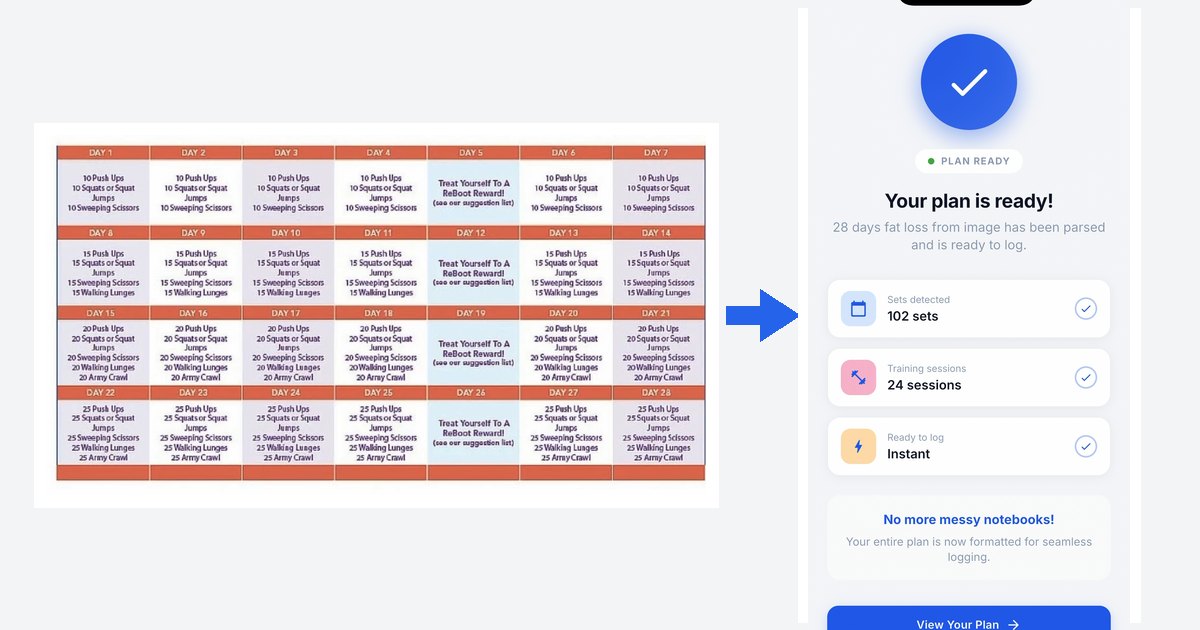
I have a workout plan as an image and want it in an app
Download the source file — the 28-day challenge image (PNG)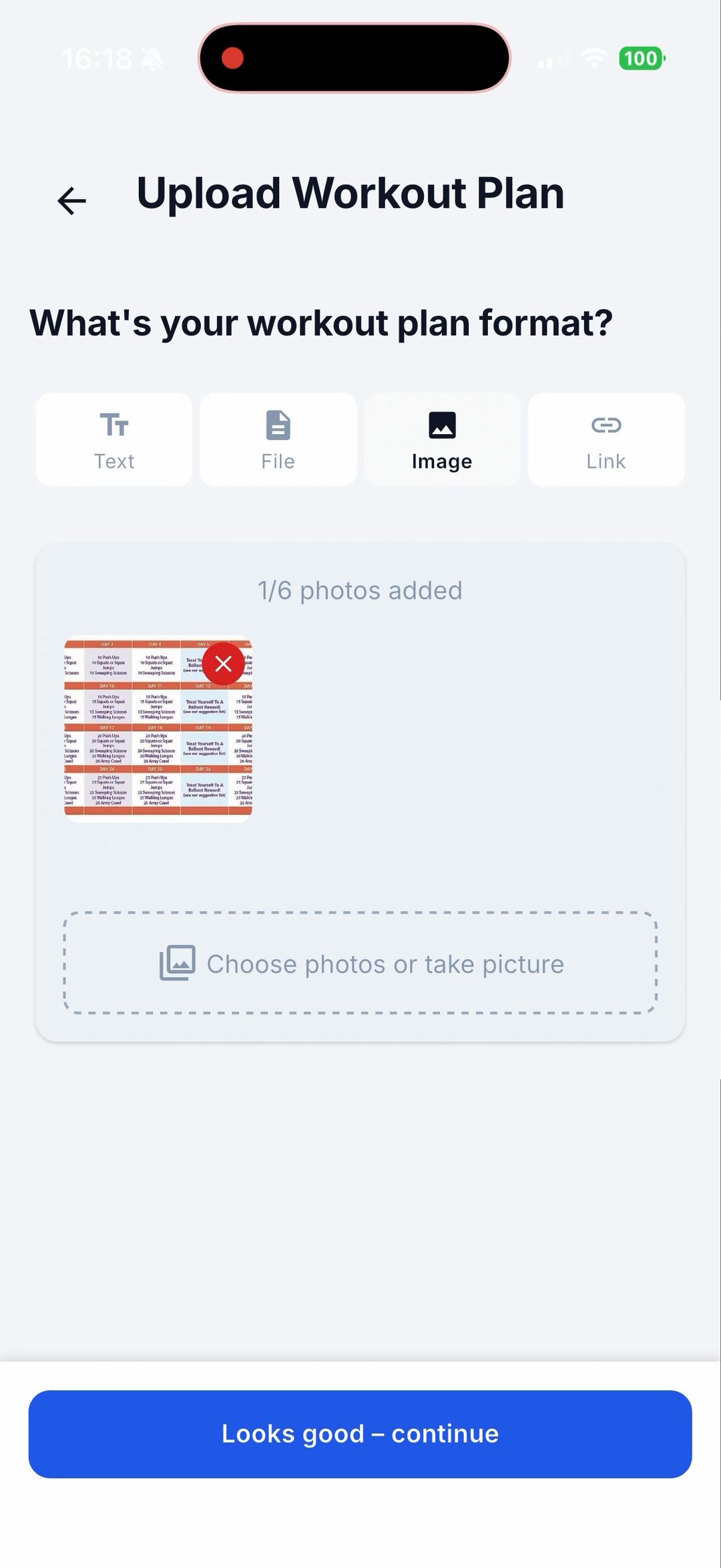
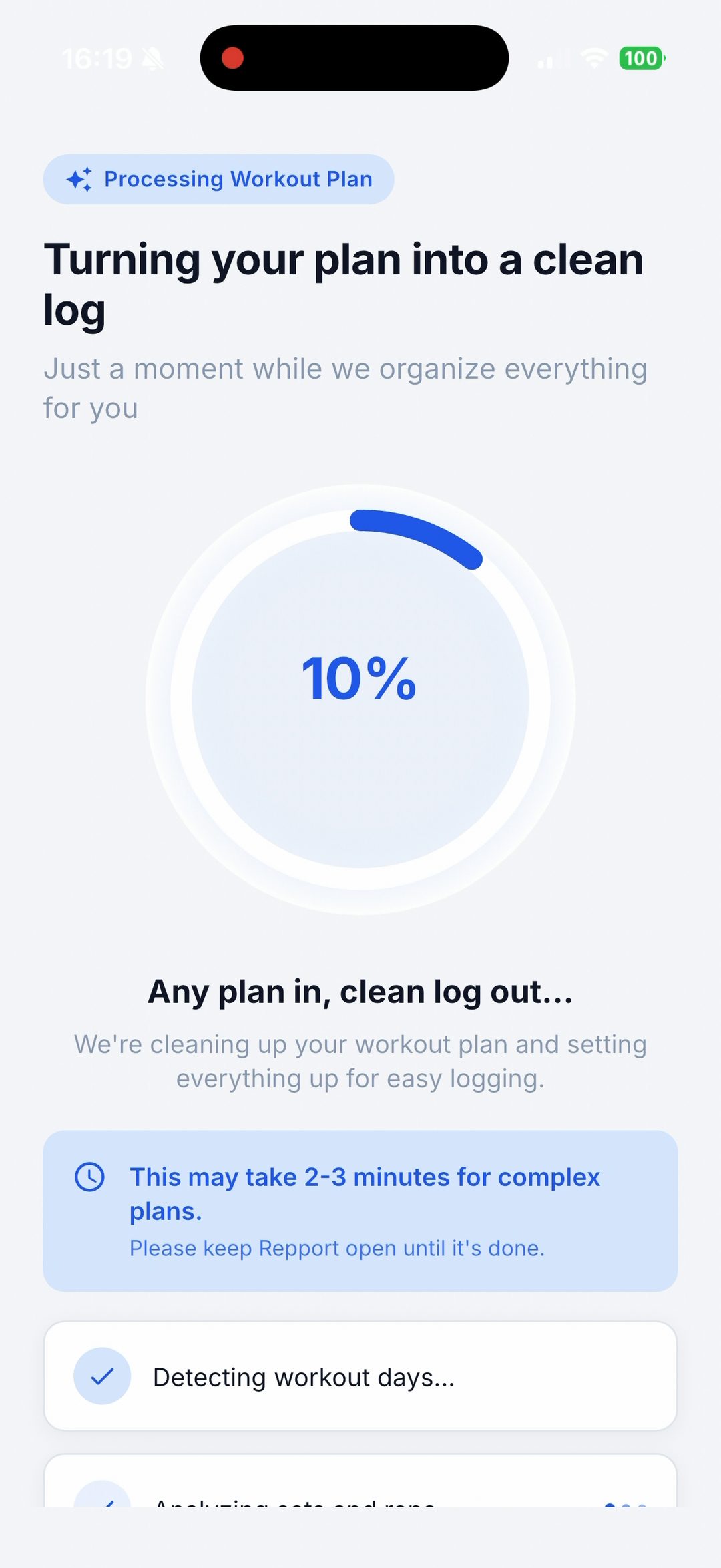
You find a 28-day challenge on Pinterest or a fitness blog. It is one image: a grid of numbered days, rep counts that climb from 10 to 25 over four weeks, four “reward” days mixed in. Good to look at. Not something you can track set by set without copying all of it out first.
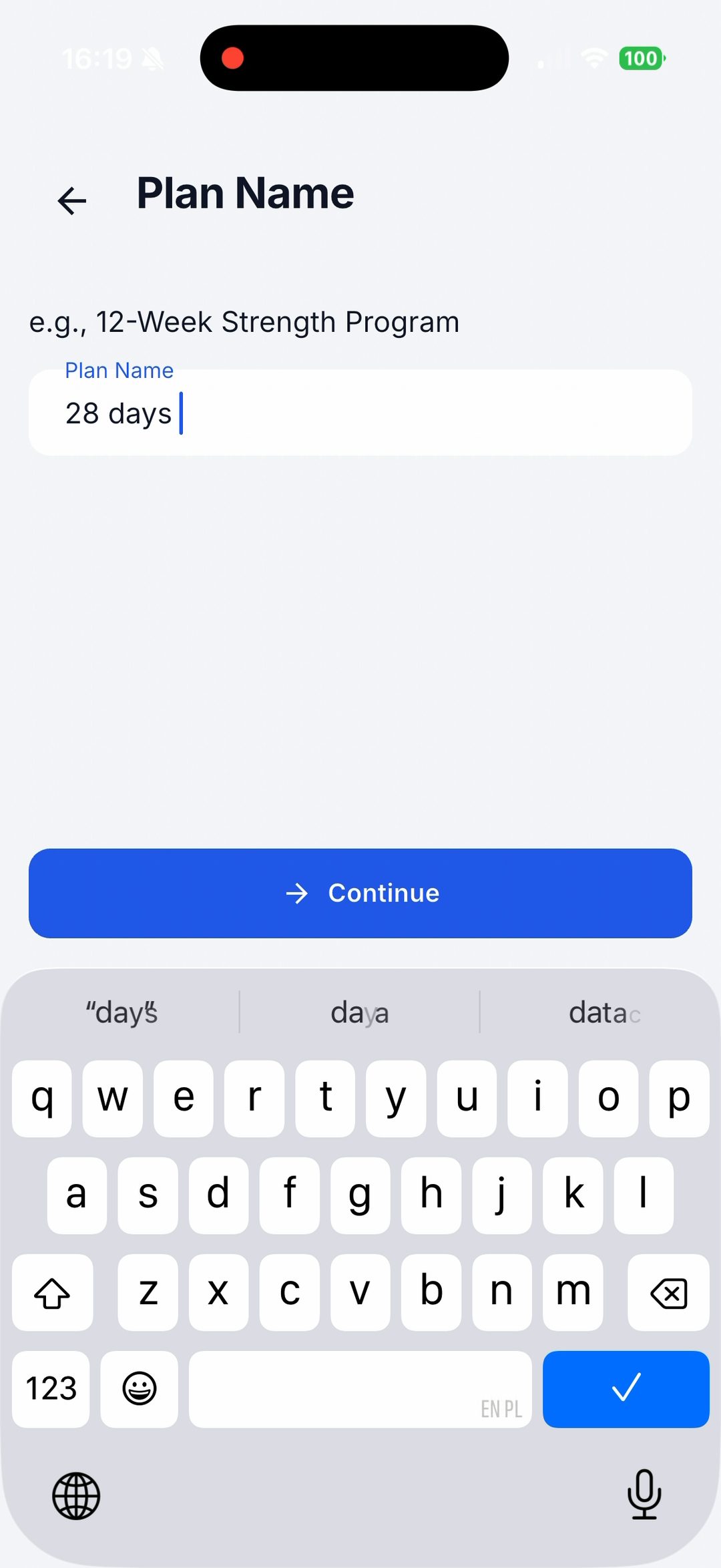
Repport read the whole grid from that one image in about 35 seconds. Below is the exact file that went in, the full screen recording, and every number it produced.
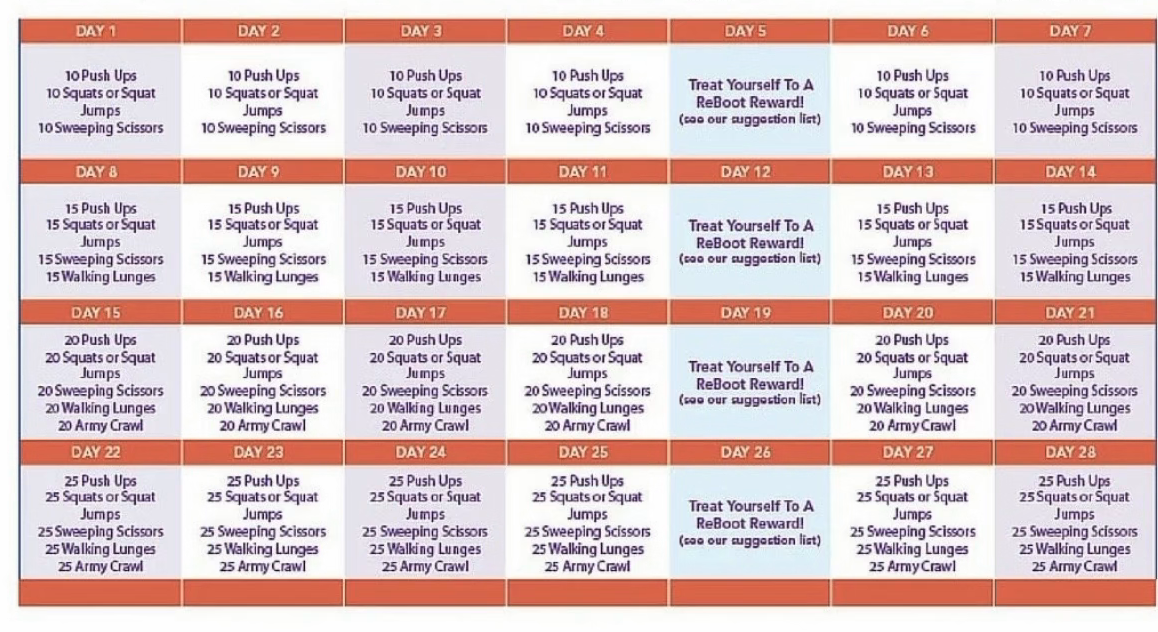
Yes. Repport reads a photo or screenshot of a plan and turns it into a structured, trackable workout, with no retyping. This page is one run of exactly that: a 28-day bodyweight challenge that existed only as the image above, imported in about 35 seconds.
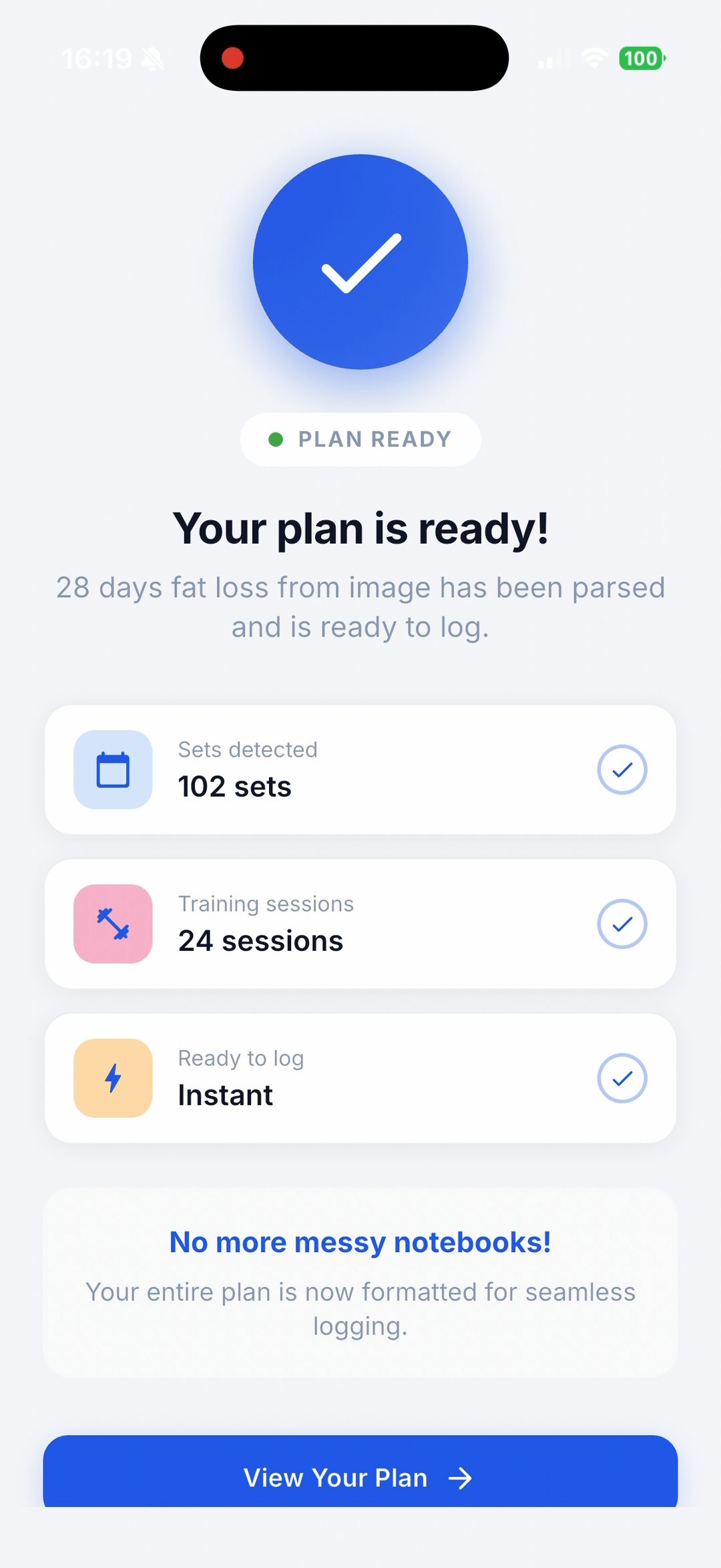
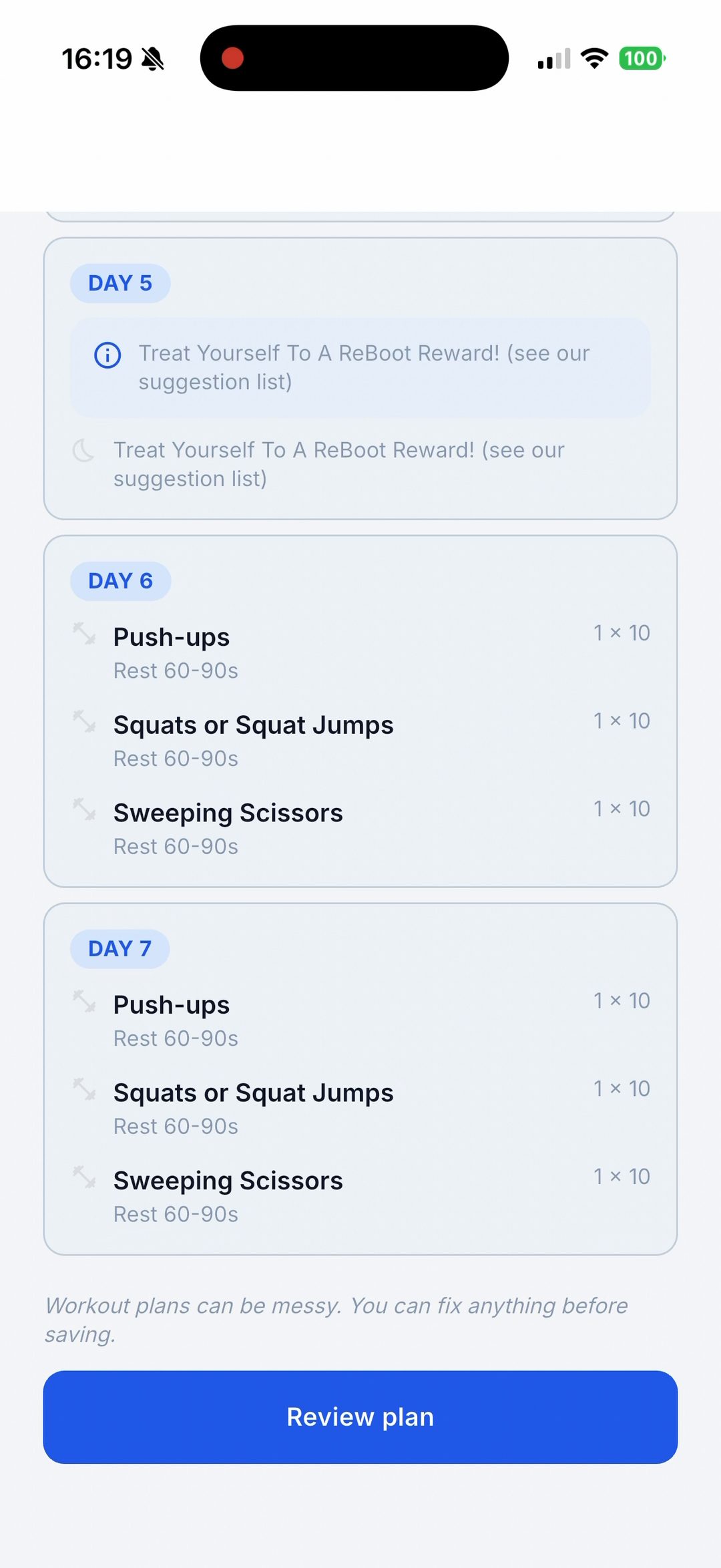
The numbers came straight off the image, read cell by cell. The four “ReBoot Reward” days (5, 12, 19 and 26) were treated as rest, which is why 28 days on the page become 24 trackable sessions.
| Week | Sessions | Movements per day | Target | Sets |
|---|---|---|---|---|
| 1 | 6 | 3: Push-ups, Squats or Squat Jumps, Sweeping Scissors | 1 × 10 | 18 |
| 2 | 6 | 4: adds Walking Lunges | 1 × 15 | 24 |
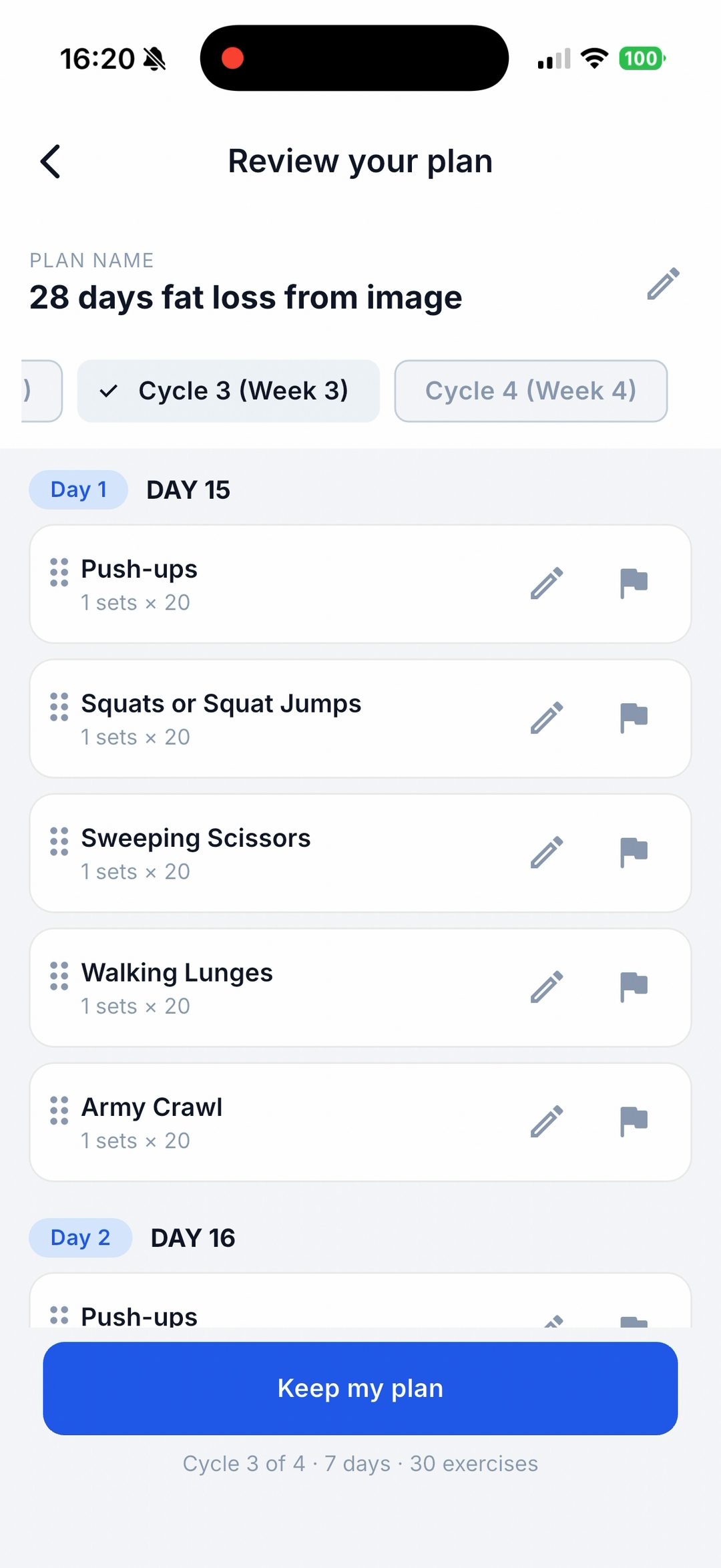
| 3 | 6 | 5: adds Army Crawl | 1 × 20 | 30 |
| 4 | 6 | 5 | 1 × 25 | 30 |
| Total | 24 | 102 |
That is 102 sets, matching the summary screen. Names were tidied on the way in: “10 Push Ups” became “Push-ups”, and the count in front of “20 Army Crawl” moved off the name and into the set. Every session opened ready to log, with nothing to correct before saving.
Strong and Hevy are built for creating routines, so this challenge goes in the way you would build any routine: 24 separate days, every exercise picked from a list, reps set one line at a time, and the reward days sorted out yourself. That is solid minutes of selecting and organising before the first rep.
Repport did the same job from a single screenshot in about 35 seconds, and the review screen showed a finished plan instead of a blank one to fill.
Repport logged this challenge the way it is written: one set per exercise, the rep count from the grid. That is right for a rep challenge. It does not invent sets, rest times, or loads the source does not contain. A screenshot of a heavier program with sets, reps and percentages carries that detail through; a bodyweight challenge like this one does not have it to carry.
It also does not judge the plan. Whether a 28-day challenge like this is worth your time is your call. The job here was to make it loggable without retyping it.
For the step-by-step version, not tied to this image, see how to import a workout plan from a screenshot, and the workout plan parser covers the other formats the same pipeline reads. Once a plan is logged, exporting your progress to PDF shows the way back out.
Yes. Repport takes a photo or screenshot of a plan and turns it into a structured, trackable workout with no retyping. In this run it read a 28-day challenge from a single image in about 35 seconds and produced 24 sessions and 102 sets.
Yes. A photo or a screenshot works, one image or several. This run used a single image of a 28-day challenge grid and the parse took about 35 seconds on an iPhone 17 Pro.
No cropping was needed here, the whole grid was in frame. Legible text matters more than resolution. A blurry or angled photo is where misreads happen, and the review screen exists to catch them before you save.
They are read as rest and left out of the session count. This plan showed 28 days on the page. Repport created 24 trackable sessions and skipped the four "ReBoot Reward" days.
Yes. The review screen lists every day and every exercise with an edit control. Nothing is written to your training history until you tap Keep my plan.
Keep reading
The real Excel file Repport exports from a training block: a structured Exercise / Sets / Notes table per workout, ready to sort, chart, or hand to an LLM.
Read more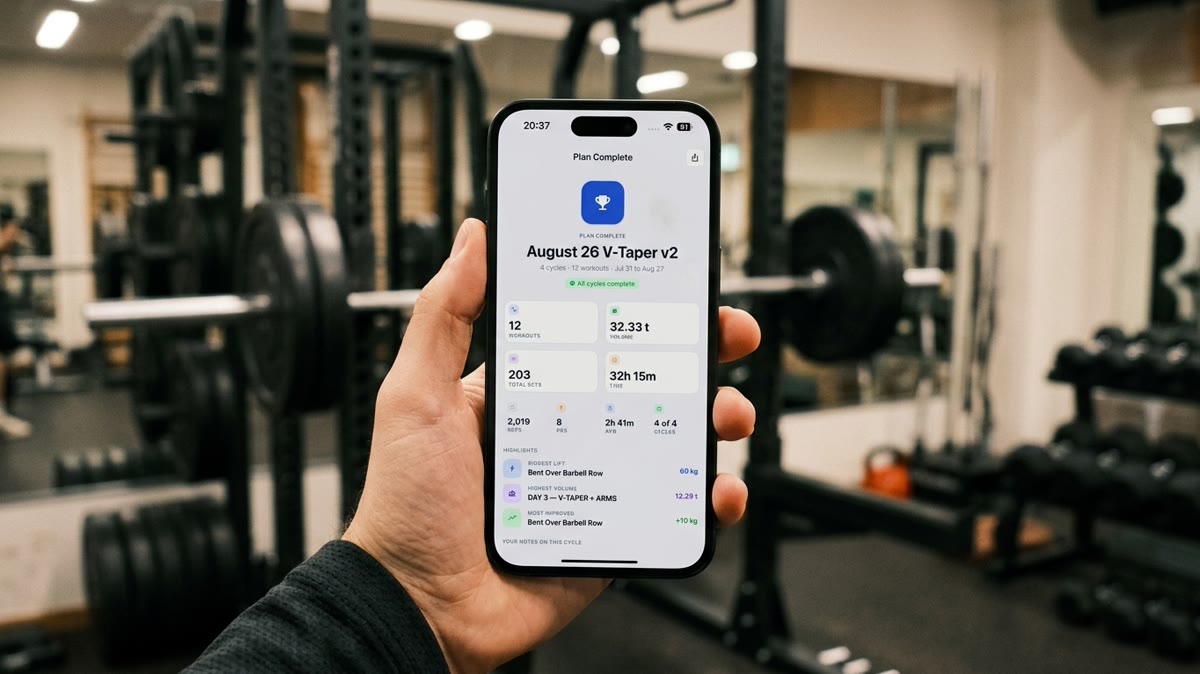
The real file Repport exports from a finished plan. PDF to send a coach, CSV or plain text to hand your full log to ChatGPT or Claude for analysis.
Read more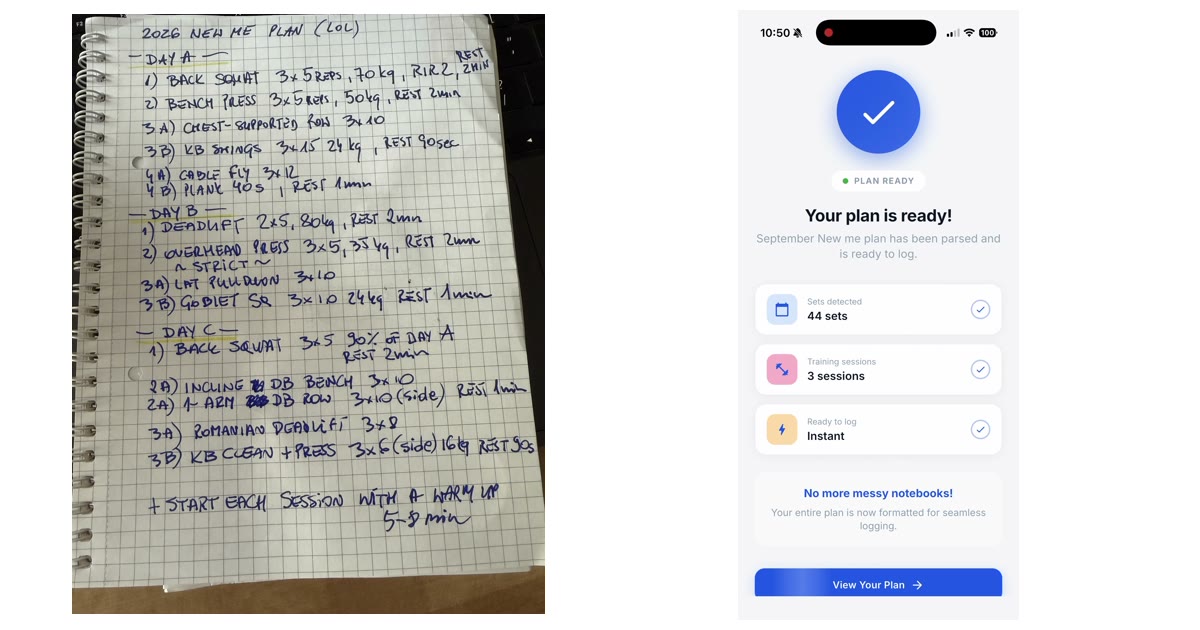
A handwritten 3-day plan, photographed once and imported into Repport in about 30 seconds: 3 sessions, 15 exercises, 44 sets. Every parsed line, plus the recording.
Read moreUpload your plan and get a tappable workout in minutes. Join the future of coaching execution.