Coach PDF Workout Plan App: How to Track It Without Retyping
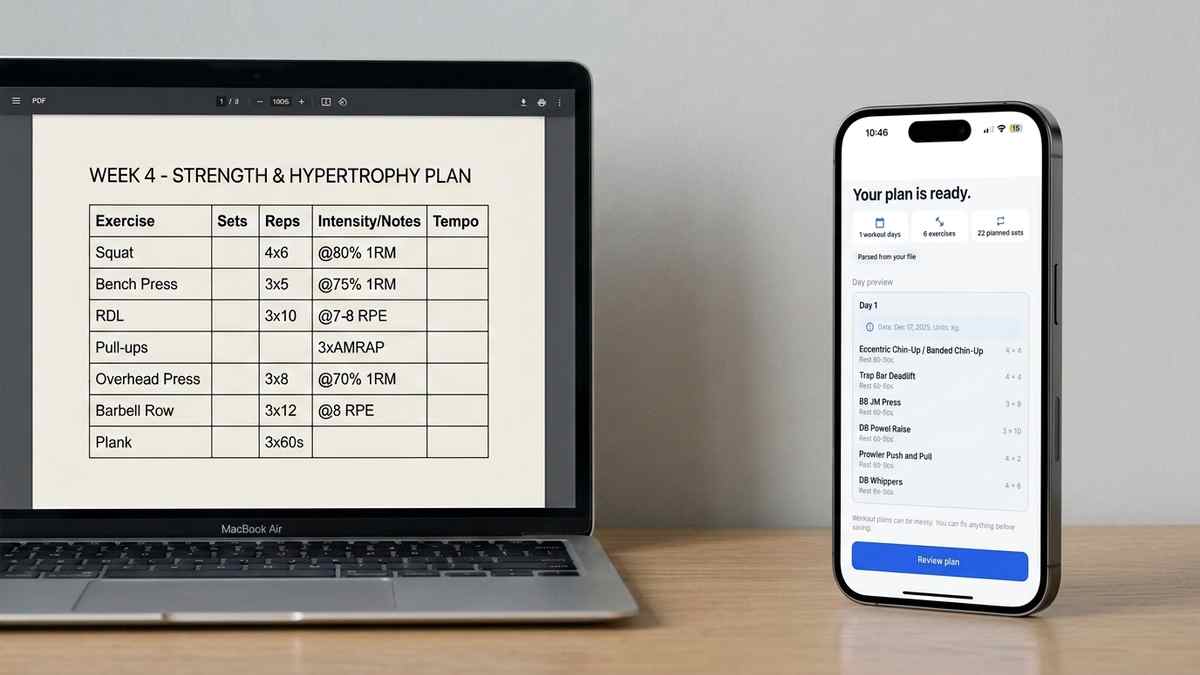
Got a coach PDF workout plan? See what an app needs to handle it well, and how Repport turns the file into a loggable session in seconds.
Read moreGot your workout plan as a WhatsApp or text message? Here's how to import it into a tracking app without retyping every set.
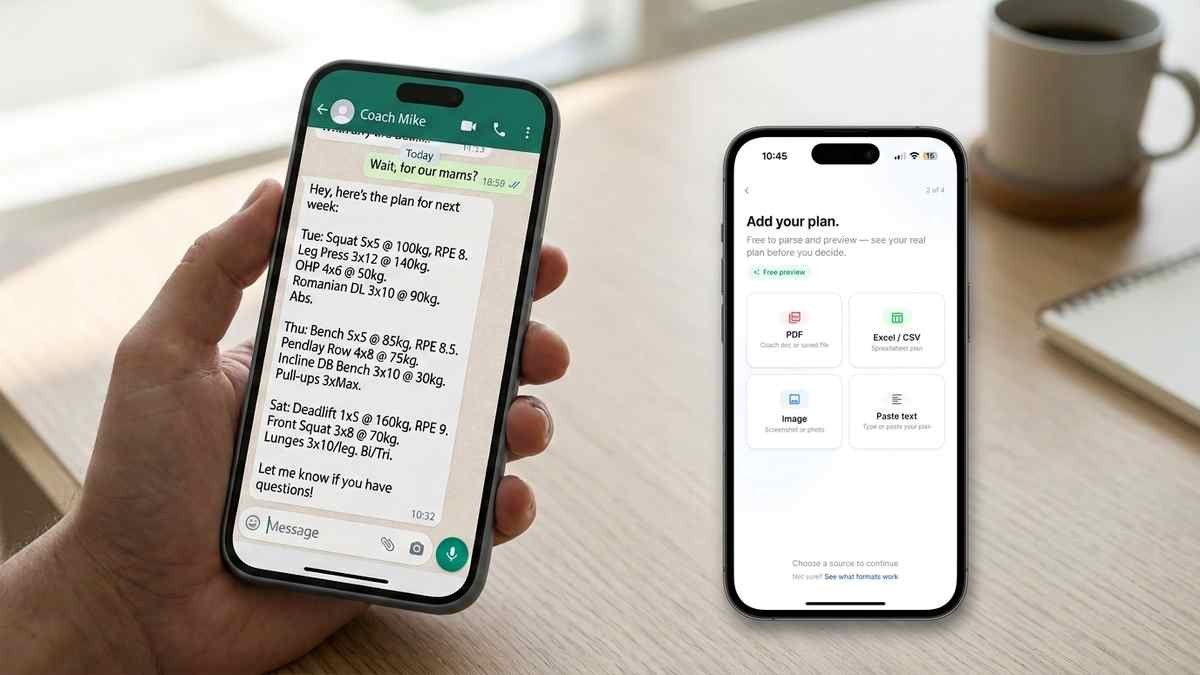
Coaches text plans. Not PDFs, not spreadsheets, just a message: “Mon: bench 4x8 80kg, incline db press 3x10, …”. It is fast for the coach to write and slow for you to use, because now you are the one retyping it into a tracking app one line at a time, one exercise at a time, for every session of the week.
Repport reads that message directly. Paste the text in, get a structured, loggable workout in about 10 to 20 seconds instead of the 20 to 40 minutes manual entry usually takes for a full week.
A text message is the lowest-friction way for a coach to hand off a plan. No app to open, no document to format, no export step, no waiting for a PDF to render. They type the week into WhatsApp, iMessage, or plain SMS between client sessions and send it the moment it is done. For online coaching relationships especially, the plan often lives entirely inside an ongoing chat thread alongside form-check videos and check-ins, never as a standalone file.
The tradeoff lands on the athlete. A PDF at least has a visual layout: days as headers, exercises as rows, sets and reps in their own column. A text message is one wall of text, all shorthand, with days, exercises, sets, reps, load, and rest bunched together with minimal punctuation. There is nothing to visually anchor a manual re-entry on, which is exactly why retyping a text plan into an app often takes longer than retyping a PDF of the same length.
Something like this, unedited:
Tue: squat 5x5 100kg, RPE 8. leg press 3x12 140kg.
bulgarian split squat 3x10 each leg bw. plank 3x45s
Or, from a different coach, with a different shorthand style entirely:
Day 2 - Pull
1. Deadlift 4x5 @140kg (2 min rest)
2. Barbell row 3x10 100kg
3. Lat pulldown 3x12, RIR 2
4. Face pull 3x15
No shared template between the two. No consistent order for weight versus reps. Abbreviations for exercise names that vary by coach. Rest periods mentioned only when the coach remembers to write them, and RPE or RIR notation mixed in wherever it fits. This inconsistency is the normal case, not a cleaned-up edge case, and it is exactly the input Repport is built to handle.
Voice-to-text messages add a third failure mode on top of shorthand and inconsistency: a coach dictating a plan between clients often ends up with run-on sentences and misheard words, like “bench for by eight eighty kilos” instead of “bench 4x8 80kg.” A parser that only matches strict patterns breaks on that kind of input. Repport’s parser is built to read intent, not just format, which is what lets it handle dictated messages the same way it handles typed shorthand.
Paste the message into Repport’s import screen and choose Paste Text as the source, the same import flow used for PDF, Excel, and screenshot plans, just with text instead of a file. The parser reads exercise names, set and rep counts, load, and any RPE or RIR notation, then builds a structured session: exercises as tappable cards, sets pre-filled with the prescribed weight and reps, warm-ups separated from working sets where the message specifies them.
Before anything is saved, Repport shows a review screen summarizing what it found, exercise count, set count, and a day-by-day breakdown, so you can fix anything before it becomes your working log. This matters more for text imports than for PDFs, since a messy message has more room for an exercise name to be misread than a clean document does. If a line like “bench 4x8x80” gets parsed with the weight and reps swapped, the review screen shows that specific exercise with its detected numbers laid out clearly, so the fix is a single tap rather than a support ticket.
The parsing itself is the same language-agnostic engine used for every other import format. A plan written in Polish or German comes out the other side just as structured, no manual translation required first. See how the same parsing engine handles other formats.
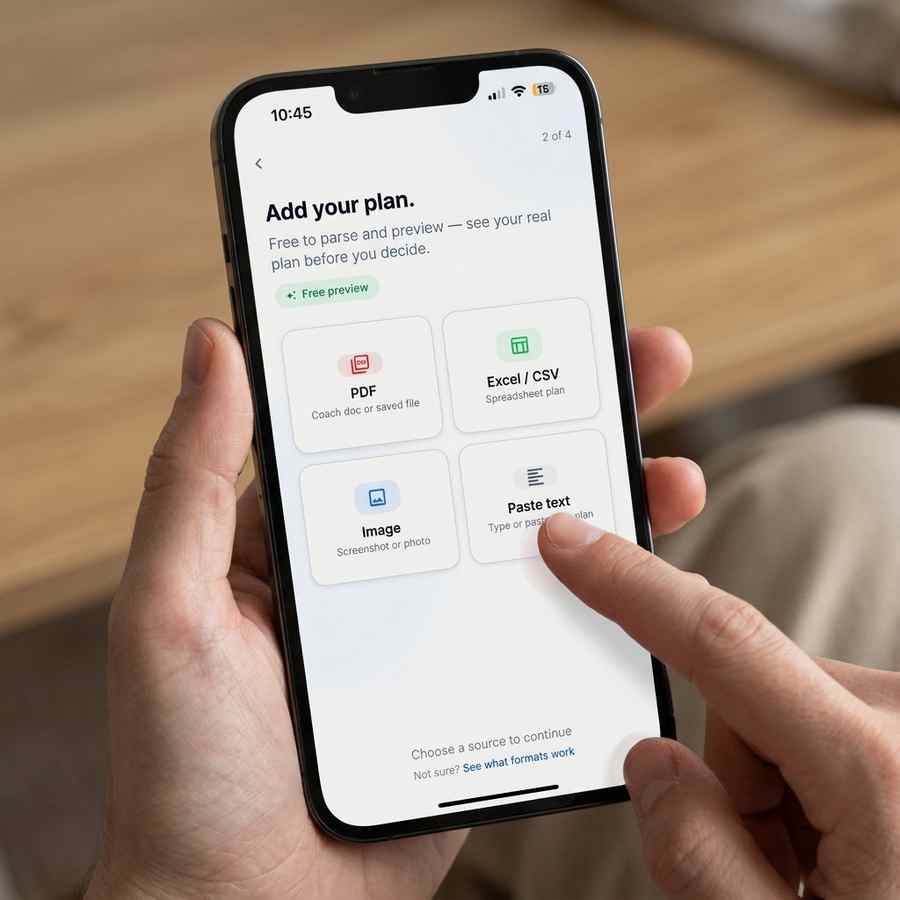
For a single day like the deadlift session above, typing four exercises into an app by hand takes two to three minutes: tapping in the exercise name, set count, reps, and weight for each one. Pasting the same message and reviewing the parsed result takes closer to ten seconds, plus a few seconds to confirm the review screen looks right.
The gap widens over a full week. A four-day plan, retyped by hand, is 15 to 20 minutes of data entry before the first set is even logged. The same plan, pasted as text, is done in under a minute, including the review step. Over a training block that runs eight or twelve weeks, that difference is hours of setup time that never has to happen more than once per plan revision.
Most coaches also revise a plan partway through a block, a new week, a swapped exercise after an injury, a load bump after a strong session. Each revision is another message and, without import, another round of manual re-entry. A twelve-week block with three or four revisions along the way turns 15 to 20 minutes of typing into an hour or more of cumulative data entry, all of it avoidable with the same paste-and-review step used the first time.
If your plan usually arrives as a PDF or spreadsheet instead, the same import flow applies: see how to convert a workout plan PDF or how to import an Excel workout plan. Every format lands in the same import flow.
Yes. Repport has a dedicated Paste Text option in the import flow. Copy the message from WhatsApp, SMS, or any chat app and paste it in directly, no reformatting needed.
Yes. The parser is built for exactly this kind of shorthand: sets x reps, weight in kg or lbs, rest notation, RPE or RIR, in whatever order the coach wrote it.
It still works. The parser is language-agnostic, so a plan written in Polish, German, or Spanish is read and stored correctly without a manual translation step.
Upload your plan to Repport and get a tappable, loggable workout in seconds. Available now on the App Store.
Yes. Repport has a dedicated Paste Text option in the import flow. Copy the message from WhatsApp, SMS, or any chat app and paste it in directly, no reformatting needed.
Yes. The parser is built for exactly this kind of shorthand: sets x reps, weight in kg or lbs, rest notation, RPE or RIR, in whatever order the coach wrote it.
It still works. The parser is language-agnostic, so a plan written in Polish, German, or Spanish is read and stored correctly without a manual translation step.
Keep reading
Got a coach PDF workout plan? See what an app needs to handle it well, and how Repport turns the file into a loggable session in seconds.
Read more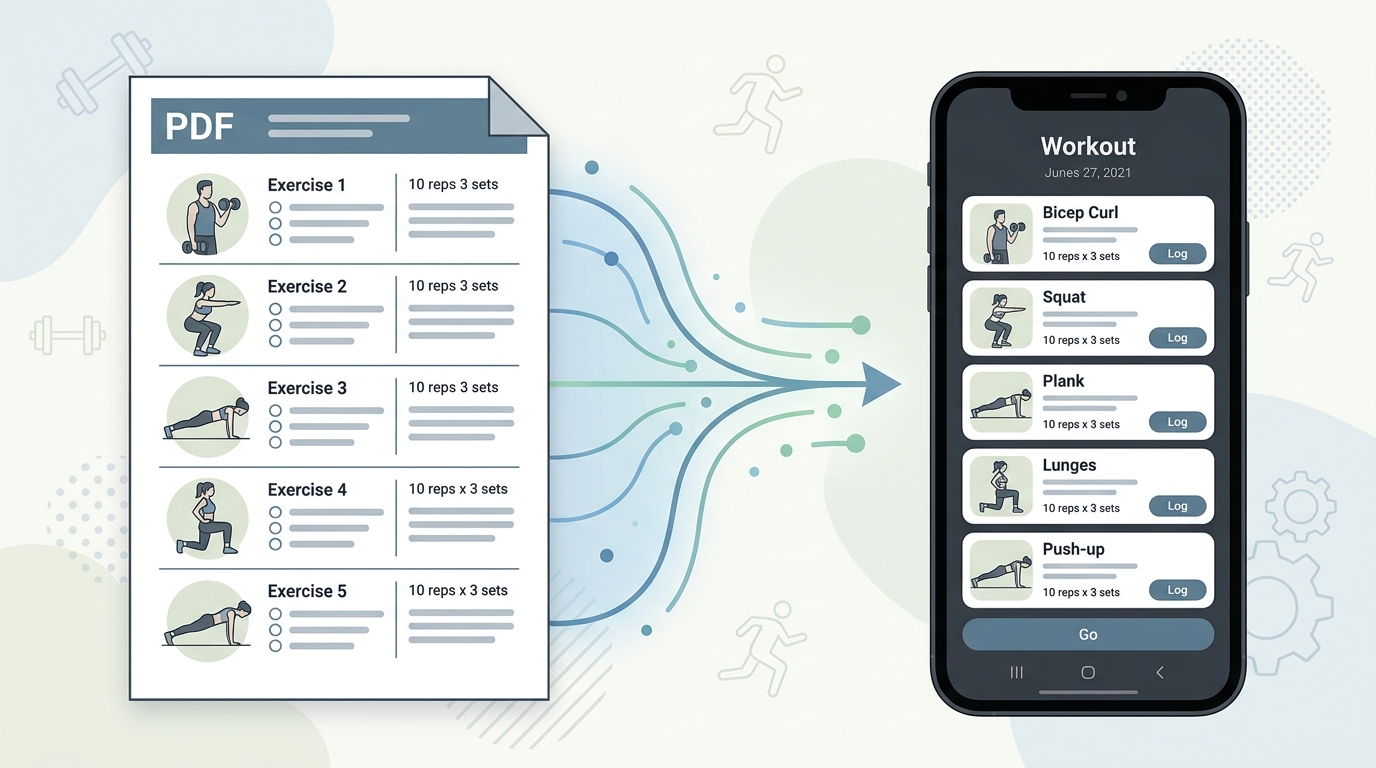
Your coach's PDF is not a training tool. Learn how to convert any workout plan PDF into a structured digital format you can log, track, and follow mid-session.
Read more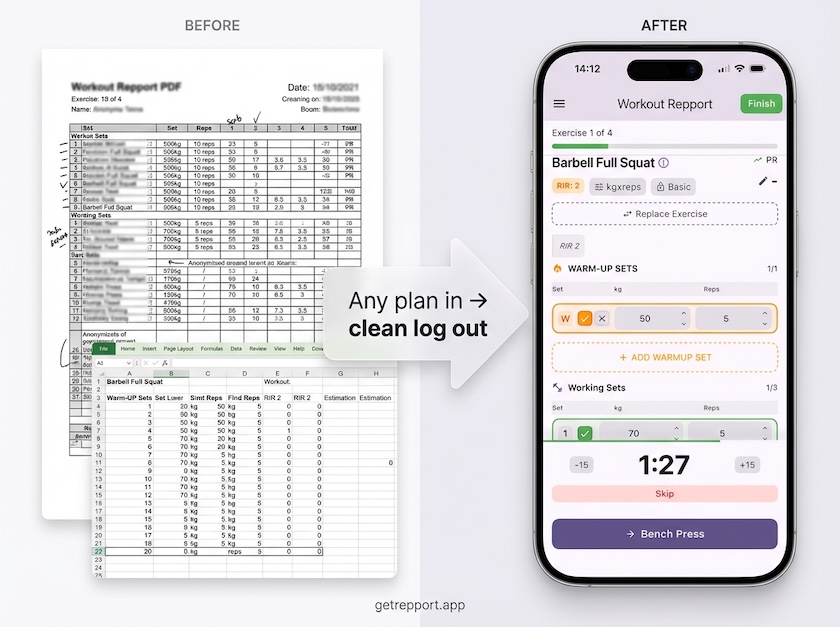
Stop training from a messy spreadsheet. Import your Excel or Google Sheets workout plan into Repport and log your sets with a mobile-first interface.
Read moreUpload your plan and get a tappable workout in minutes. Join the future of coaching execution.